Car Code Reader for Beginners: Plug In, Read, Decide
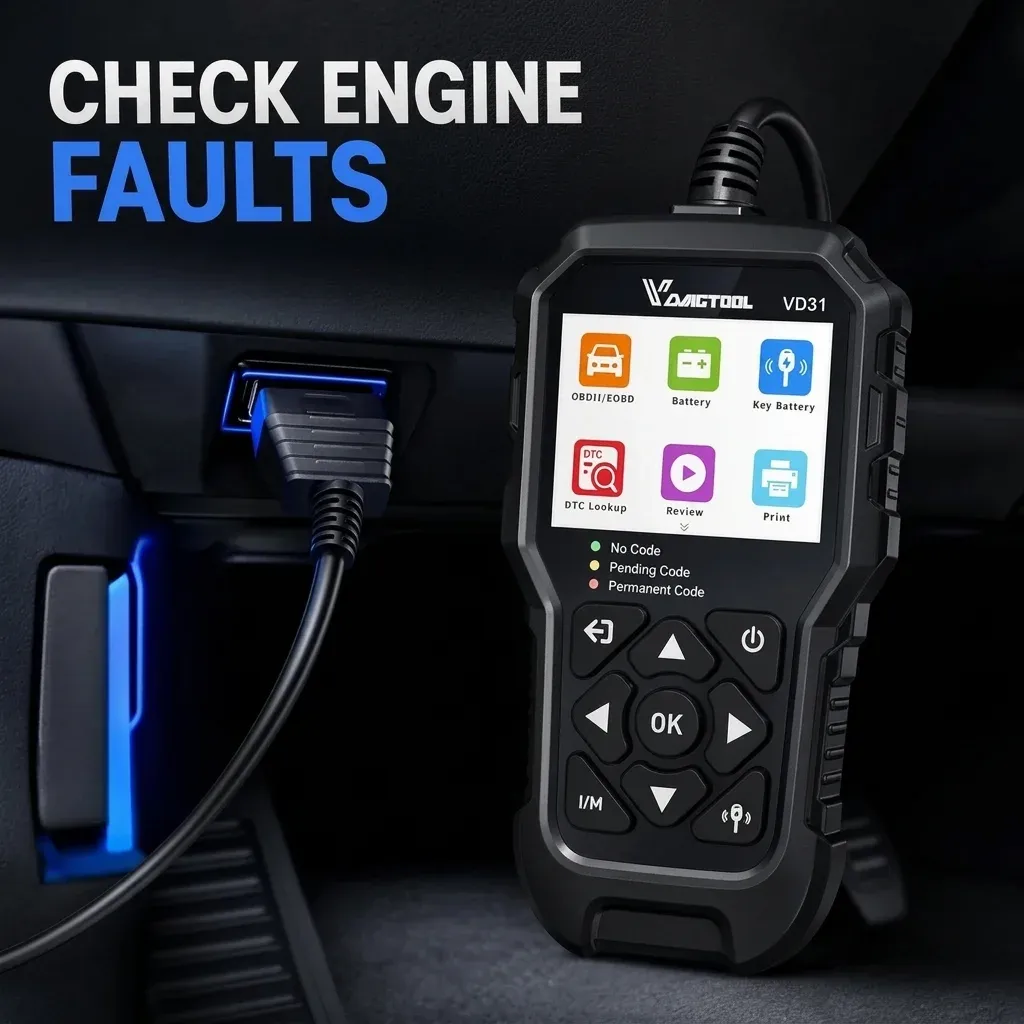
Short answer: a car code reader for beginners should let you plug in, read and save an engine code without pairing a phone, creating an account or agreeing to a subscription. The safe outcome of a first scan is evidence and a next decision—not automatically clearing the light or buying the part named in a description.
If apps and technical menus have put you off, use the five-step sequence below and stop whenever the car, connector or result does not match the instructions.
Before you plug anything in
- Park on level ground, apply the parking brake and keep the cable away from pedals.
- Read the vehicle handbook for the diagnostic socket and ignition procedure. It is often below the dashboard, but location varies.
- Check that the reader supports the exact vehicle. “OBD2” on its own does not promise access to every module.
- If the warning is red or flashing, or the car has lost power, is overheating, smoking or making an unusual noise, prioritise a safe stop and professional help.
Five steps for a first code read
- Connect with the ignition in the instructed state. Do not force the 16-pin plug or work around moving parts.
- Select the basic engine/OBD diagnosis menu. A wired standalone reader powers from the vehicle, so there is no Bluetooth pairing or app login.
- Save before changing anything. Photograph stored and pending codes, their status and any freeze-frame values.
- Translate, then test. Look up the full code in a reputable source and check the maker's procedure. A code describes a detected condition, not a guaranteed failed part.
- Choose the next action. That may be a simple visual check, a booked diagnosis or stopping use of the vehicle. Clear only after a repair and use the return—or non-return—of the code as one piece of verification.
The RAC guide to engine and OBD codes confirms that a DTC points to what must be tested rather than telling you exactly what to replace.
What the result can and cannot tell a beginner
| Reader result | Useful meaning | Not safe to assume |
|---|---|---|
| Stored DTC | The control unit has confirmed a condition | The named sensor is definitely faulty |
| Pending DTC | A condition has been detected but not yet confirmed | A breakdown is certain or impossible |
| Freeze-frame | A snapshot of selected values when a code set | Every value is abnormal without a specification |
| No code | No supported engine code was returned | The whole vehicle is fault-free |
| Clear successful | The stored record and lamp command were reset | The underlying defect was repaired |
Avoid the three most expensive beginner mistakes
Do not clear before recording
Erasing the evidence makes later diagnosis harder and may reset emissions monitors. If your appointment is approaching, use the OBD2 scanner for MOT workflow instead of trying to make the dashboard look clean.
Do not order the part named in the shortest description
A circuit code can result from wiring, connectors, leaks, voltage supply or the component itself. A proper diagnostic path tests the cause.
Do not treat a basic reader as a safety-system tool
Generic engine access does not promise ABS, airbag or manufacturer service functions. The broader car diagnostic scanner UK buying guide shows how to check coverage before you spend.
A simple no-app option
The ScanCar VD31 product page lists a wired standalone display, no app, no Bluetooth and no subscription. It reads and clears OBD2/EOBD engine codes and shows live data, freeze-frame information and I/M readiness. At £75.36, it is positioned as a basic glovebox reader, not a replacement for trained diagnosis.
Review the ScanCar VD31 details and confirm vehicle compatibility.
FAQ
Does the engine need to be running while I read codes?
Not always. Many basic reads use ignition on with the engine off, but the correct state depends on the vehicle and function. Follow both manuals and never run an engine in an enclosed space.
What should I do if the reader says link error?
Check that the ignition state is correct and the plug is fully seated without forcing it. If the error remains, stop and verify vehicle and protocol compatibility rather than repeatedly reconnecting.
Is an online code description enough to diagnose the car?
No. Generic descriptions are a starting point and manufacturer-specific codes need the correct source. Symptoms, wiring information and physical tests still matter.
Should I leave a wired reader plugged in?
Remove it after the check unless the manufacturer explicitly instructs otherwise. That avoids an unsecured cable near the pedals and unnecessary power draw.
Ready to take control of your car's health with ScanCar?
Shop Now — £75.36